Flower shop
Built with one promptFlorist
A garden-inspired flower shop with bouquet filters, subscriptions, wedding florals, and a delivery checker.
Explore websiteDescribe what you want in plain English and build it on your own computer. Create tools, dashboards, games, landing pages and portfolios with a free desktop app for Windows and Linux.
All download optionsFree forever under the MIT license · No account or credit card
Watch how easy it is to build complex applications from scratch using only plain English.
One single prompt box on the left, an instant live sandboxed application on the right. No multi-file trees, terminals, or confusing developer toolbars.
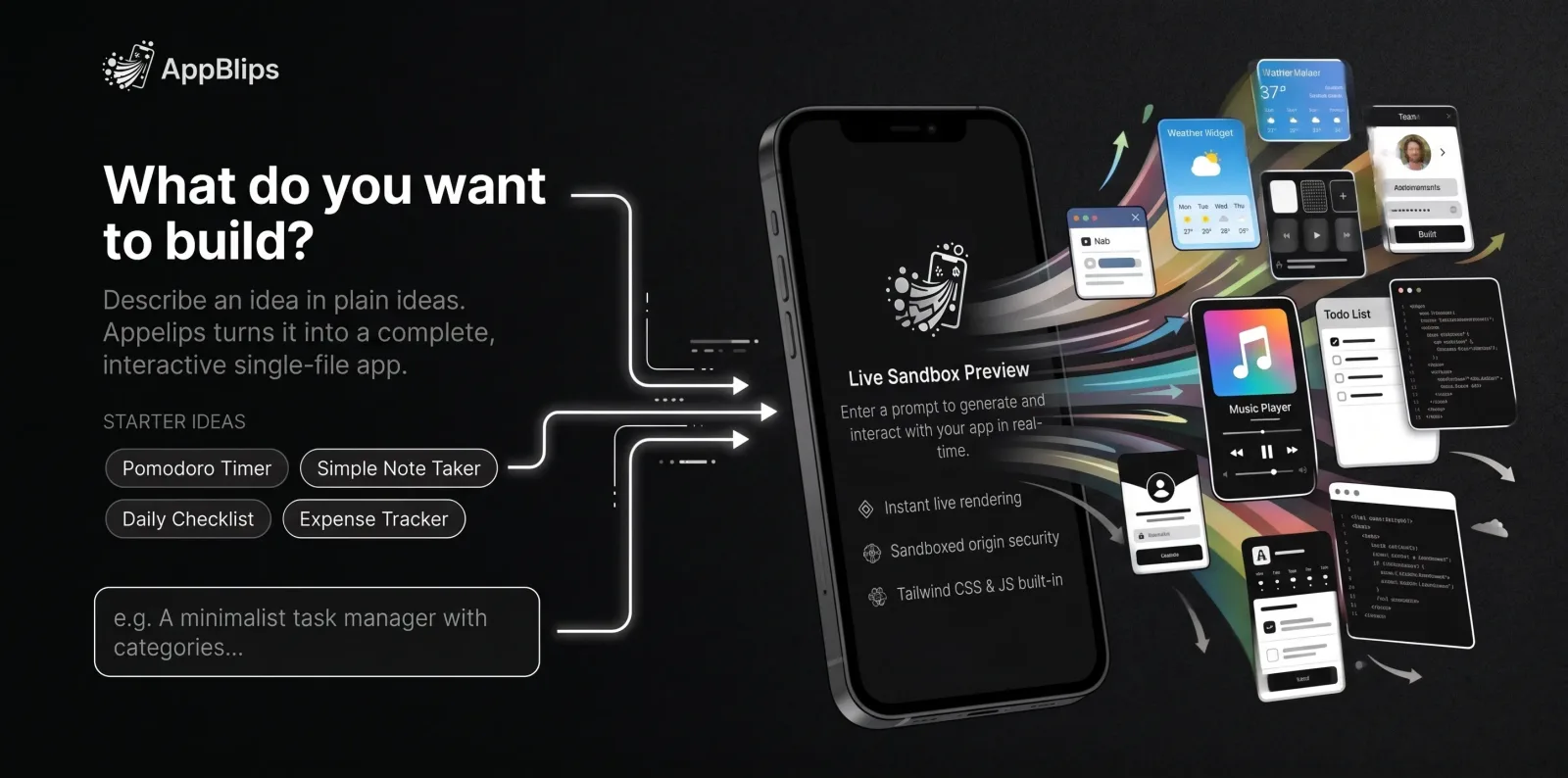
Many AI app builders are made for developers, with multi-file projects, build pipelines, and IDE-style interfaces. AppBlips is built to be simple.
A single clean text box and a real-time side-by-side preview. Nothing extra to learn or configure.
File trees, terminal consoles, package managers, and multi-file code editors designed for engineers.
Your app is saved as a plain folder on your computer. Want one file instead? Export a standalone HTML file that runs anywhere.
Dozens of scattered files, dependencies, build scripts, and compile steps that can fail.
Describe tweaks naturally and AppBlips surgically updates the app, with instant undo/redo.
Requires inspecting stack traces, fixing syntax breakages, and managing diffs.
Run the desktop app on your own machine, keep projects local, and inspect or modify the MIT-licensed source.
Your work depends on a proprietary service, paid account, or platform-controlled project format.
If you want to describe an idea and get a real, working website or app back — without wading through a complicated tool built for professional developers — AppBlips is for you.
Everything you need to turn thoughts into functioning software, with none of the friction of traditional developer IDEs.
Describe what you want in plain English. No multi-file project setup, no build configuration, no boilerplate to manage.
Select any element on your generated site and ask the AI to change just that part. Precision editing without digging through code.
Two focused workspaces: one for interactive tools and games, one for content-first websites.
See exactly what you built right next to your prompt, in a secure sandboxed preview.
Attach a screenshot or mockup and let AppBlips build something that matches it.
Generated apps can call AI with the built-in blip.ai.text() API, using the provider you configure.
Adjust styling, add a feature, or change behavior. Just ask in conversational English.
Every iteration is saved as a snapshot. Jump back and forth through history at any point.
Check any screen size using built-in device toggles and zoom.
Optionally export any app as one self-contained file. Double-click to run, or upload anywhere.
The same prompt-to-product workflow builds full websites. Describe the site you need and AppBlips designs, writes and exports it from your desktop.
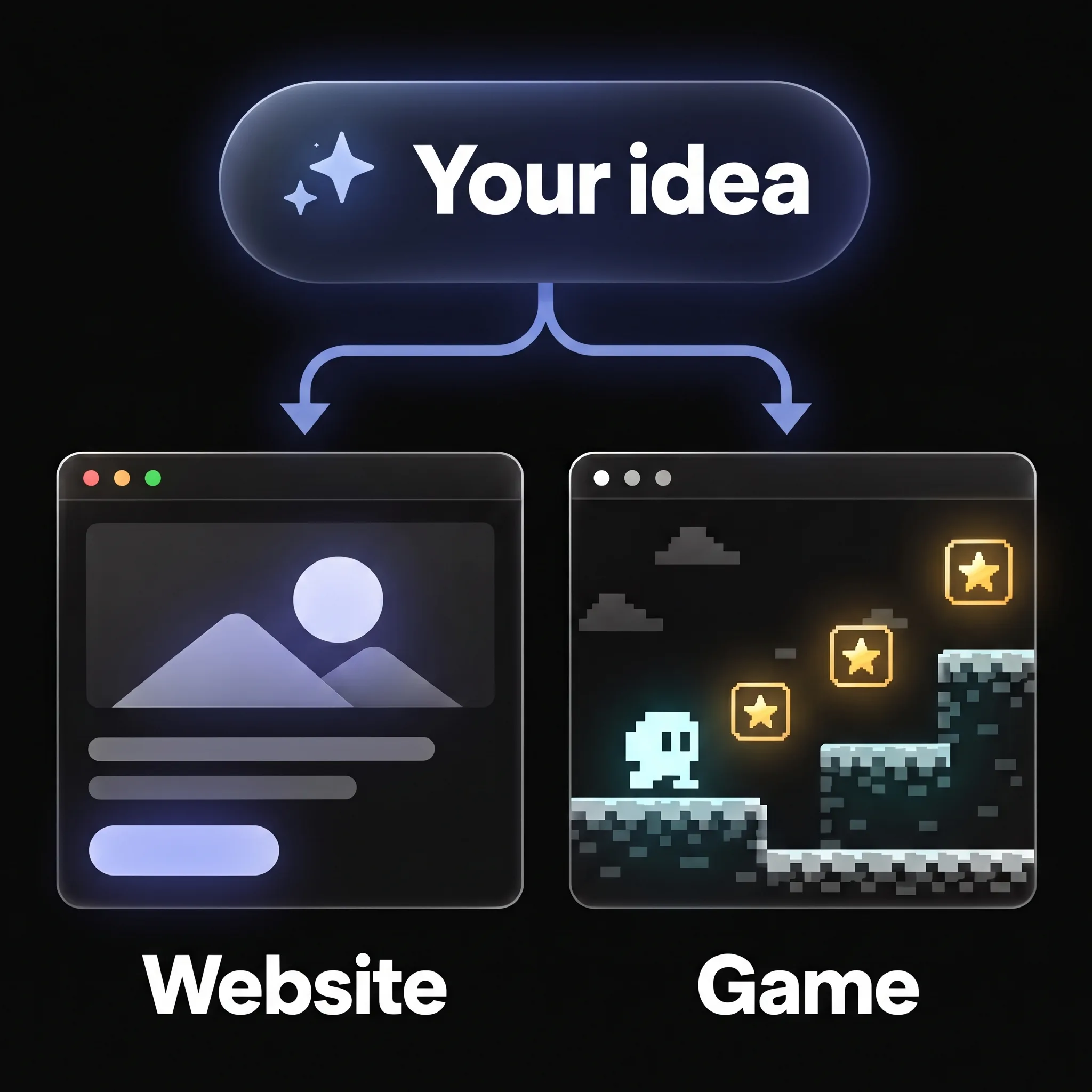
“A landing page for my new productivity app, with pricing and a sign-up form.”
One of the unique features of AppBlips is that you can continue editing your site with a point-and-edit WYSIWYG visual editor in combination with prompting AI.
Four real projects, each built with one prompt. Explore a website or jump into a game.
Flower shop
Built with one promptA garden-inspired flower shop with bouquet filters, subscriptions, wedding florals, and a delivery checker.
Explore websiteReal estate
Built with one promptA luxury real estate website with property listings, neighborhood guides, and an interactive mortgage calculator.
Explore websitePet grooming & daycare
Built with one promptA cheerful pet grooming and daycare studio with service pricing, pet of the month gallery, and online booking.
Explore websiteArcade game
Built with one promptA playable neon pinball game with flippers, bumpers, multiball, high scores, and keyboard or touch controls.
Play gameBuilt something with AppBlips? Submit it to be featured in the showcase.
From a plain-English thought to a working application in three simple steps.
Type what you want in plain, conversational English into the single prompt box. Pick App Studio for tools and games or Website Studio for content pages, and attach a reference image if you have one. No prompt engineering or multi-file scaffolding required.
AppBlips generates your app and renders it live in a securely sandboxed iframe right next to your prompt with zero build wait.
Ask for adjustments in plain English, roll back to any version using instant undo/redo, and keep the project on your computer, or export it as a single HTML file ready to use anywhere.
AppBlips runs on your computer, with your projects and credentials under your control. No account, subscription, or hosted service required.
Get AppBlips from the Microsoft Store on Windows, or choose a Linux installer below. macOS is coming soon.
Add your own OpenAI-compatible API key, or connect a local model through Ollama. Your key is protected by your operating system keychain.
Projects stay as local folders on your computer, and any finished app can optionally be exported as a single self-contained file.
Windows opens the AppBlips page in the Microsoft Store. Linux downloads start when you choose a file type; if one is unavailable, GitHub opens with the available releases.
Clear answers about AppBlips Desktop, projects and exports, AI providers, and how it compares to complex developer tools.
Read the docs for desktop setup, AI providers, and how to use AI inside your apps.
Build with your own AI provider, keep projects in local folders, and export work without lock-in.
All download options